
Blog
Short, current guides to the macOS menu bar: what Apple's own settings can do on macOS 26 Tahoe, and what Dynamic Menu Bar adds on top. Updated as macOS and the app change.
How to customize the macOS menu bar (macOS 26 Tahoe)
How to customize the macOS 26 Tahoe menu bar: Apple's settings for background, auto-hide, transparency and icons, then color, gradients and shape with an app.
Updated September 5, 2026
Dynamic Menu Bar video tutorial: a 7-minute walkthrough
A seven-minute video walkthrough of Dynamic Menu Bar: Live, Solid and Fade styles, the music visualizer, per-app profiles, the progress bar, the pill.
Updated October 9, 2026
How to go full screen on a Mac, with or without a separate Space
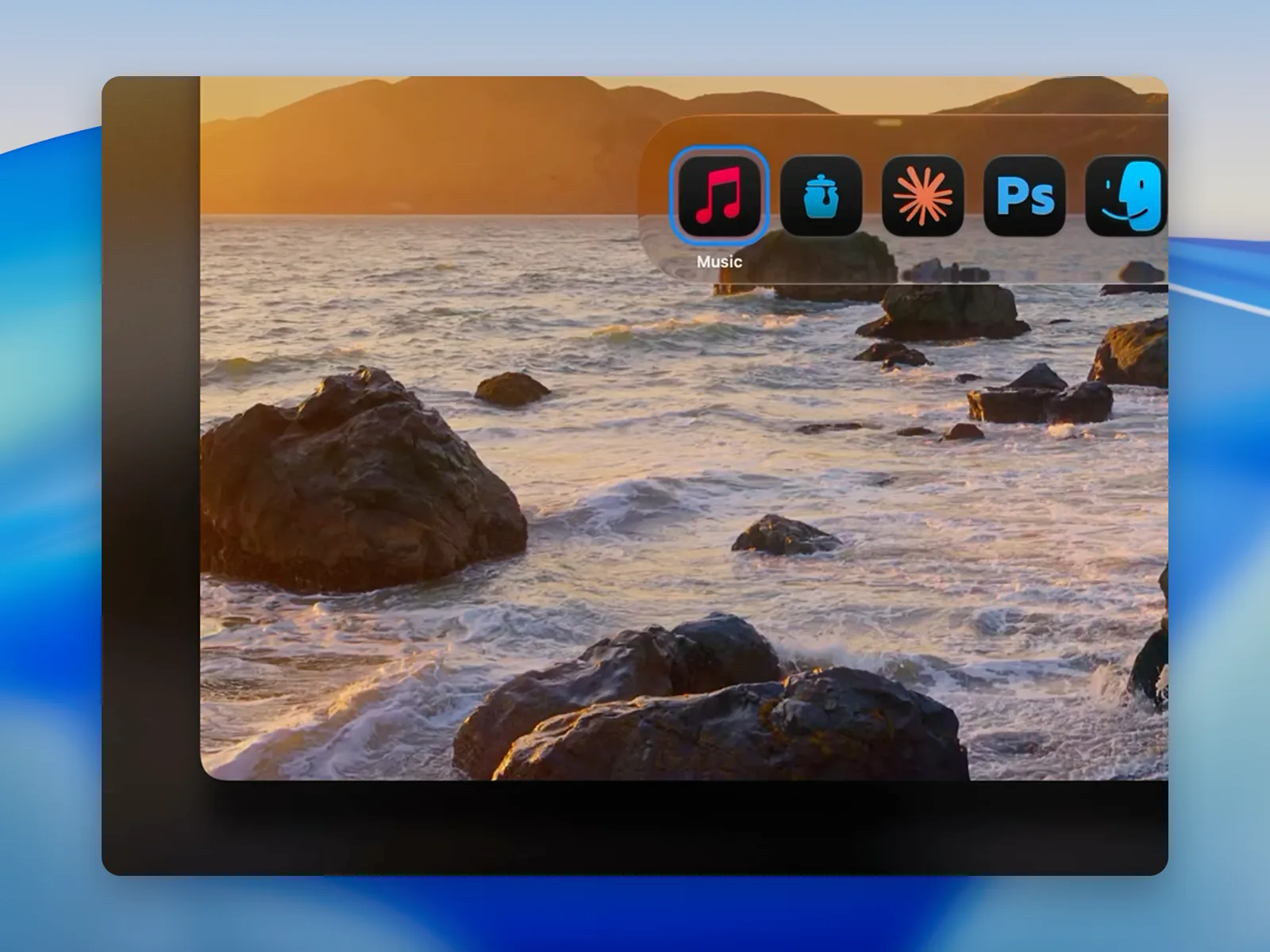
How to go full screen on a Mac: the green button and ⌃⌘F, Fill on Sequoia and Tahoe, how to exit, and a full-screen look that keeps your Spaces in place.
Updated September 5, 2026
How to change the menu bar color on a Mac
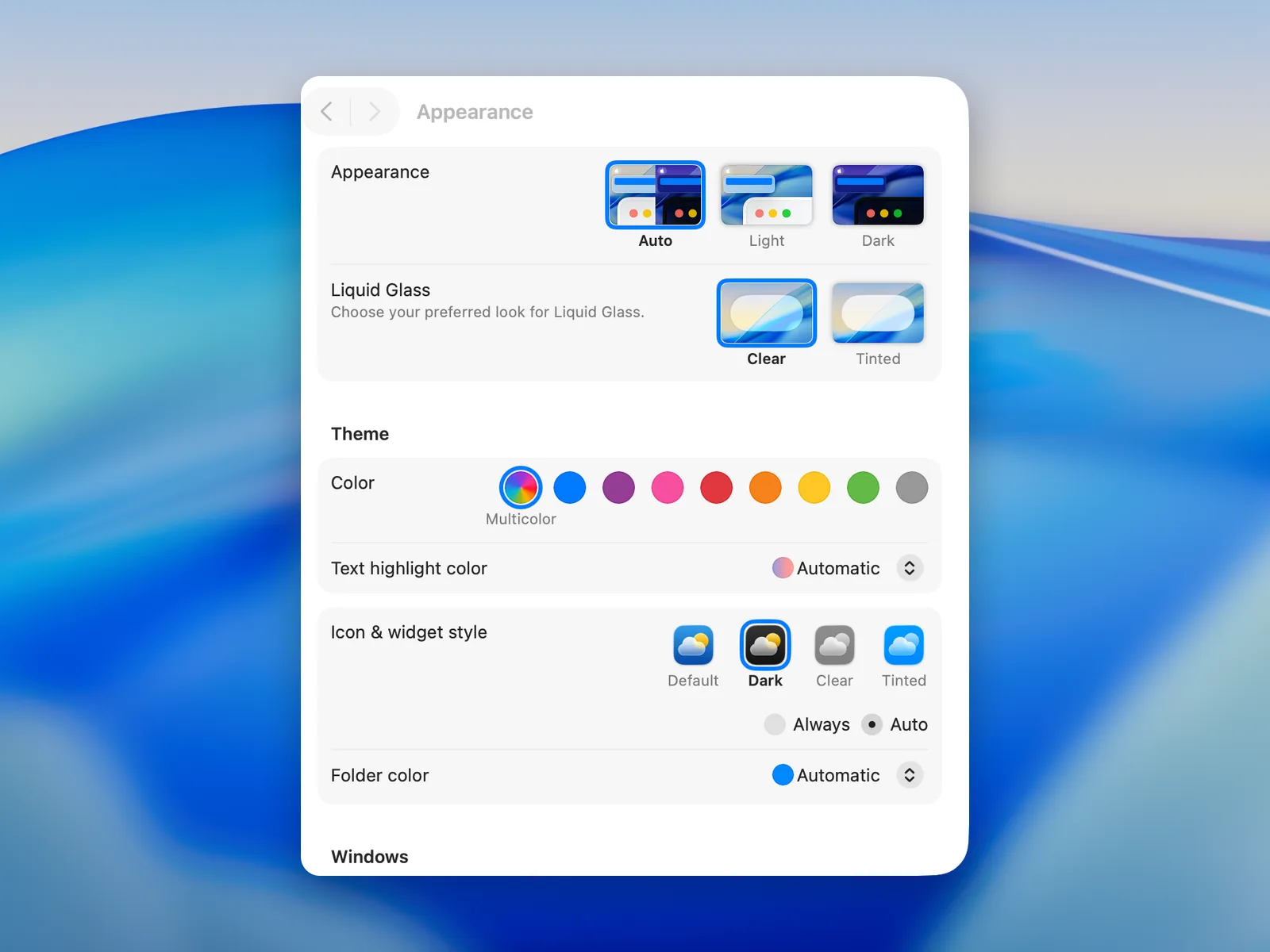
Change the menu bar color on a Mac: Light or Dark appearance, wallpaper, Reduce transparency for a plain bar, or any color, gradient or live color with an app.
Updated September 5, 2026
Mac menu bar disappeared? How to get it back
Menu bar gone on your Mac? Move the pointer to the top, set auto-hide to Never, leave full screen, and find the icons hidden behind the notch.
Updated October 2, 2026
How to make the macOS menu bar transparent — or solid — on Tahoe
macOS 26 Tahoe drops the menu bar background. Turn it on in System Settings, make it opaque with Reduce transparency, or set a solid color or blur with an app.
Updated September 5, 2026
How to hide menu bar icons on a Mac
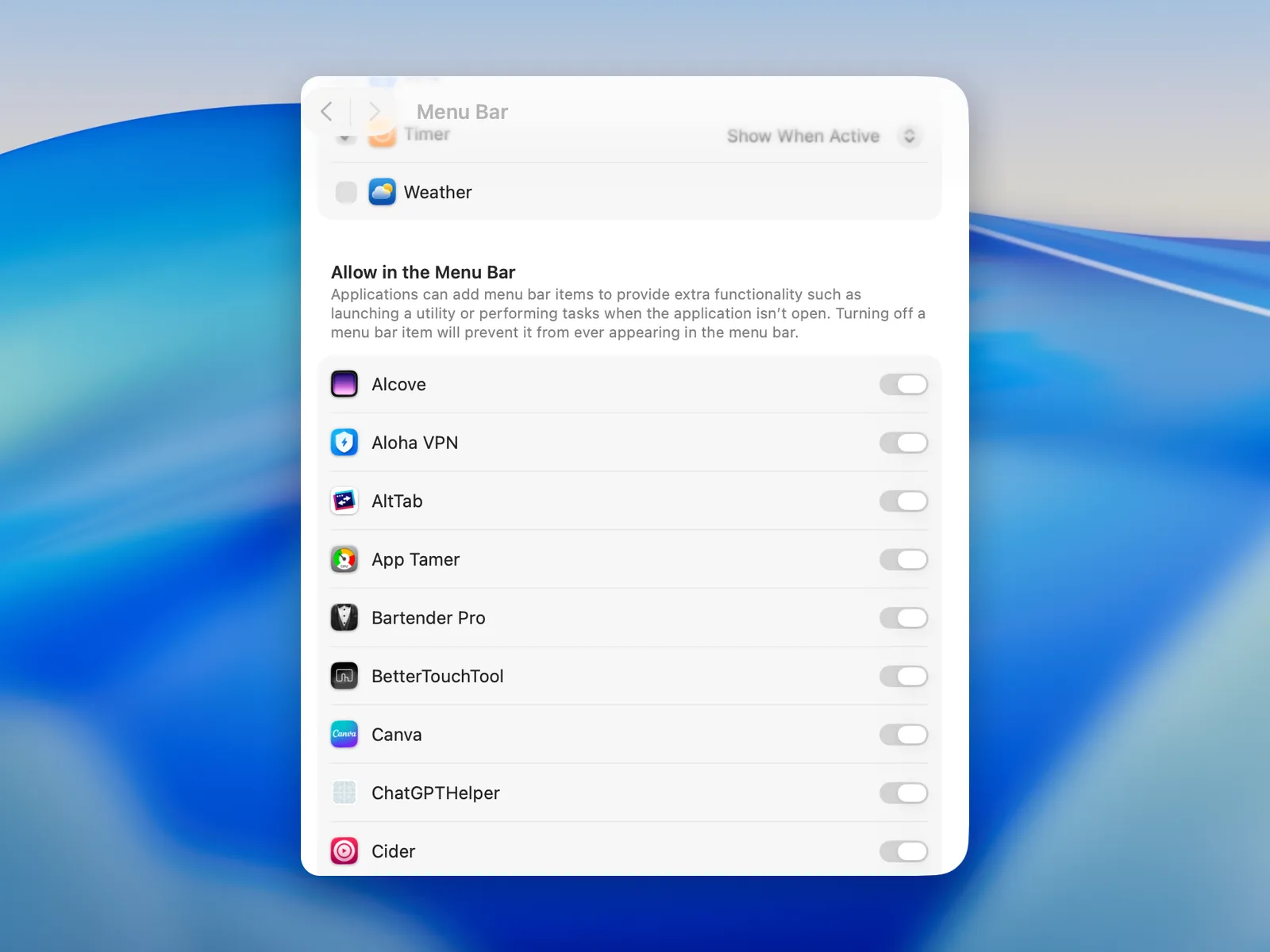
Hide a Mac menu bar icon by Command-dragging it off the bar, or turn it off in System Settings › Menu Bar on macOS 26 Tahoe and macOS 27.
Updated October 9, 2026
How to hide the notch on a MacBook Air or Pro
The MacBook notch can't be removed, but it can disappear into a black menu bar: a black wallpaper on macOS Tahoe, or an app that keeps the bar black.
Updated October 2, 2026
Add a music visualizer to your Mac's menu bar
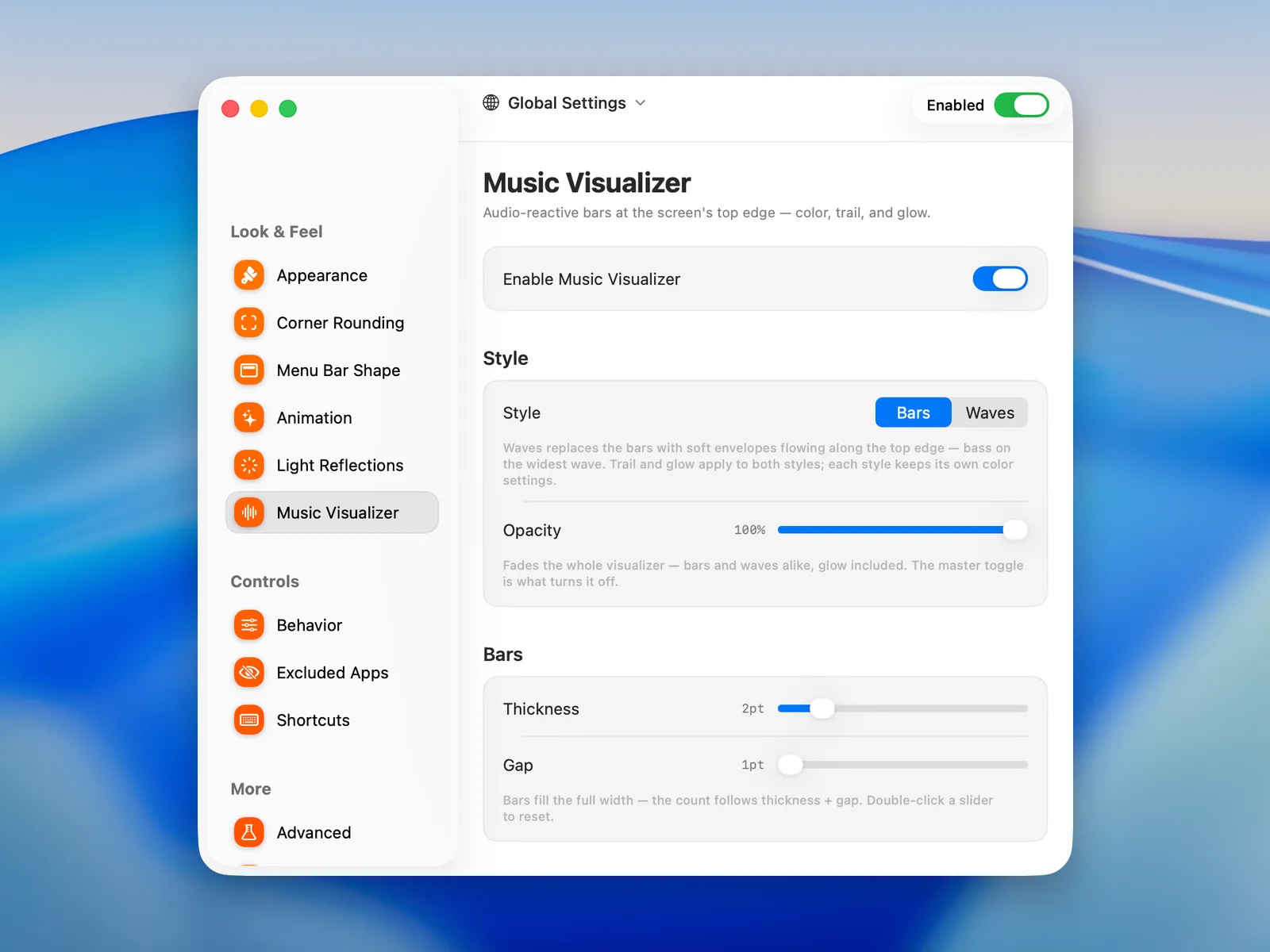
Turn the top edge of your Mac's screen into a music visualizer: audio-reactive bars or waves, artwork-matched colors, a progress bar with ⌥-seek, up to 120 Hz.
Updated September 5, 2026
Rounded corners on a Mac: round the bottom of the screen too
The current MacBook Air and MacBook Pro screens have rounded corners at the top. Here is how to round the bottom corners to match, and another screen's corners.
Updated October 13, 2026
Control music from the Mac menu bar with Now Playing
Put macOS's Now Playing control in the menu bar to pause, skip or scrub media from any app, then add a seekable progress line along the top of the screen.
Updated October 9, 2026
The best menu bar apps for macOS 26 Tahoe
Twelve menu bar apps for macOS 26 Tahoe, by job: organizing icons, the bar's look, system stats, calendars and the notch. Free and paid, with what each needs.
Updated September 6, 2026
What Dynamic Menu Bar's welcome tour sets up, page by page
Dynamic Menu Bar's welcome tour page by page: the one permission it needs, then the shape, corners, light, visualizer, progress bar and Fill Window it sets up.
Updated September 6, 2026
Missing a guide?
Tell us what you are trying to do with the top of your screen on the feedback board, or write to hello@dynamicmenubar.com.