 Optimized for macOS 27
Your Menu Bar
Finally Beautiful
Turn the macOS menu bar into a living part of your Mac:
its color follows your screen, your music, your mood.
Free 7-day trial · macOS 26 Tahoe or later
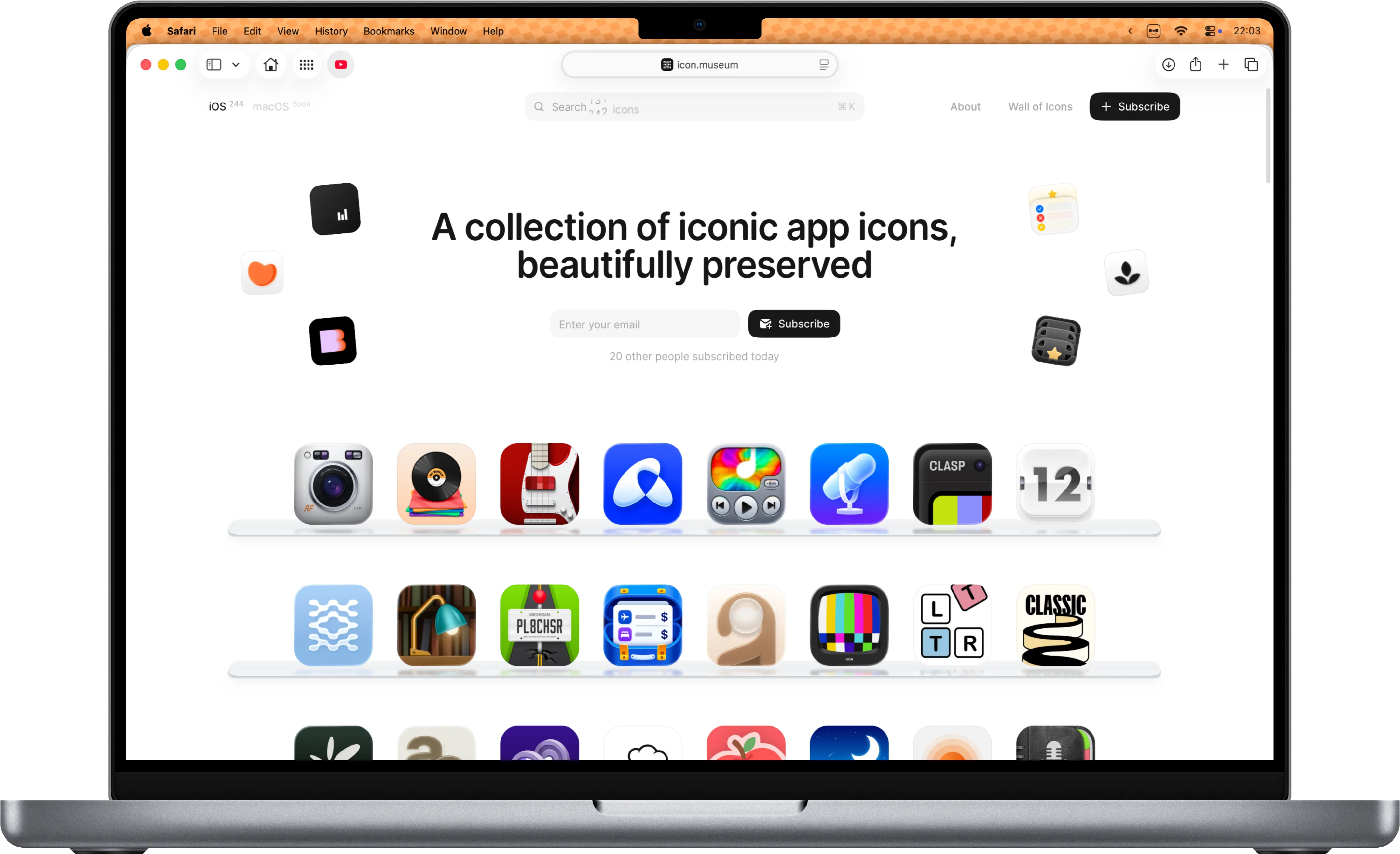
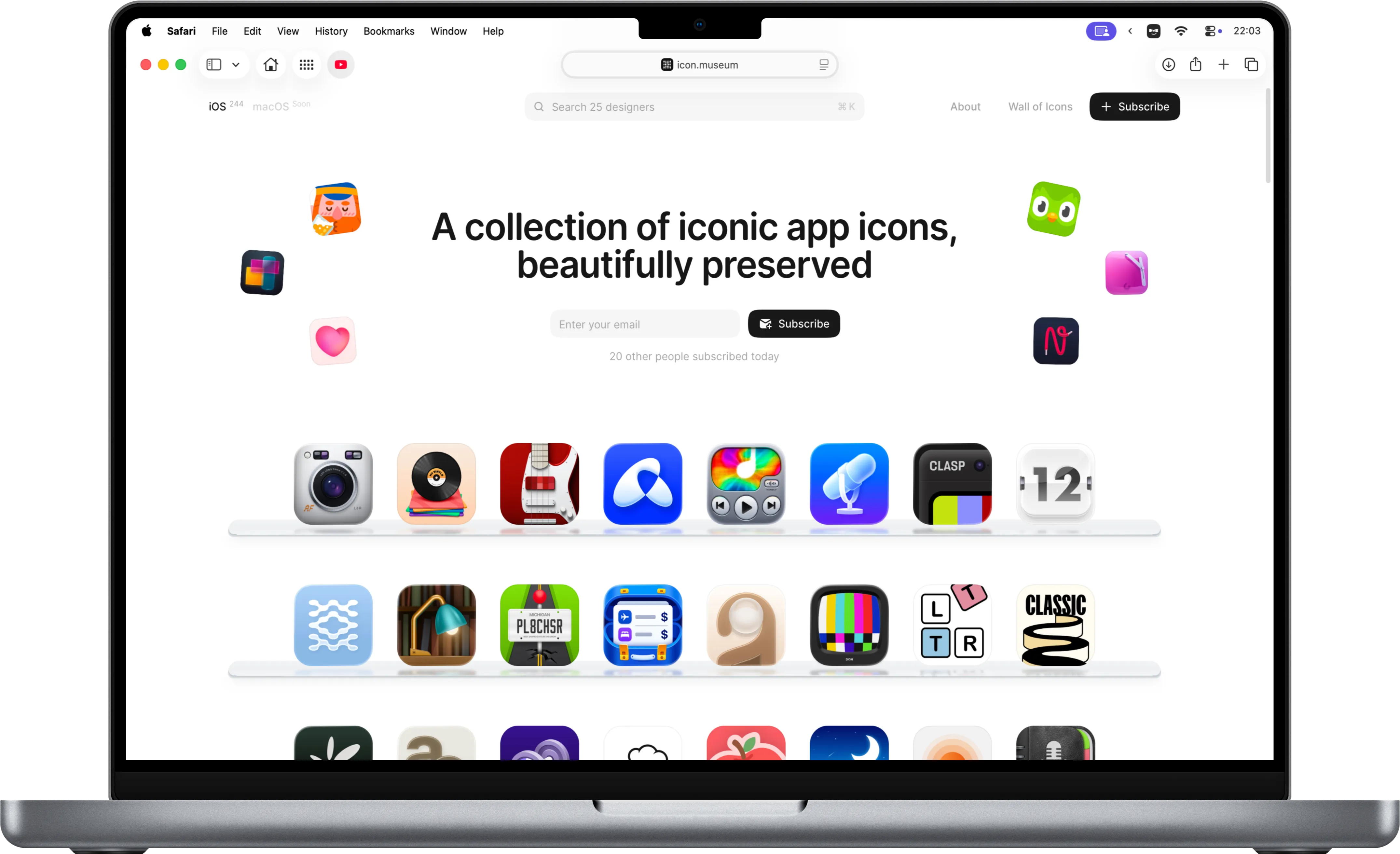
Pick an app, then drag to compare the default macOS menu bar with Dynamic Menu Bar
What is Dynamic Menu Bar?
Dynamic Menu Bar is a macOS app that changes the color and shape of your Mac's menu bar. It can mirror the screen beneath it live, hold a solid color or gradient, react to your music, round your display's corners, keep a different look for every app and give any window a full-screen look without a separate Space. It runs on macOS 26 Tahoe or later as a direct download, with a free 7-day trial and a one-time price.
Features
Color, shape, light and music for the macOS menu bar: everything you need to make the top of your screen feel like part of your desktop.
Adaptive
ColorGradients &
Hue DriftMusic
VisualizerCorners &
Pill ShapeLight
ReflectionsPer-App
ProfilesKeyboard
ShortcutsMulti-Display
Support (coming soon)Built with
Swift & SwiftUIBlur &
TransparencyUp to 120 Hz
VisualizerFree Updates,
Built In
See every feature, refinement and setting behind Dynamic Menu Bar, or start with the guide to customizing the macOS menu bar.
Get Lifetime License
Try Dynamic Menu Bar free for 7 days, then own it outright: one payment, lifetime updates.
$6.99, one-time purchase
Single Device
For people with a single Mac
- 1 Mac License
- Lifetime Updates
- Pay Once, Use Forever
$9.99, one-time purchaseSave 29% against 2 single licenses
2 Devices
For a laptop and a desktop
- 2 Mac Licenses
- Lifetime Updates
- Pay Once, Use Forever
$14.99, one-time purchaseSave 57% against 5 single licenses
Up to 5 Devices
For every Mac you own
- Up to 5 Mac Licenses
- Lifetime Updates
- Pay Once, Use Forever
Free 7-day trial. One-time purchase, free updates.
FAQs
Is there a free trial?
Yes — the app comes with a 7-day free trial of every feature, no card required; you start it from the welcome tour. When it ends, buy a license and activate it in Settings › License.
What are the system requirements?
Dynamic Menu Bar requires macOS 26 Tahoe or later on an Apple silicon Mac.
How many devices can I use it on?
A license activates on one device. Need more? The 2 Devices and Up to 5 Devices licenses cover two and up to five machines with one key.
Can I get a refund?
Yes. The free 7-day trial is there so you can be sure before you pay, and if the app still does not work out on your Mac you can ask for a full refund within 14 days of purchase. The Refund Policy says what is covered and how to ask.
How do I activate my license?
After checkout, Polar emails your license key. In the app, open Settings › License, paste the key and click Activate. One key covers the number of devices you bought.
Does this site track me?
No analytics, no ad trackers, no tracking cookies — and nothing you type is kept here: the one form, the refund request, runs in your browser and becomes an email you send yourself. A video loads from YouTube only when you choose to play it. Purchases happen on Polar’s checkout. Details in the Privacy Policy.