Dynamic Menu Bar video tutorial: a 7-minute walkthrough
Updated October 9, 2026
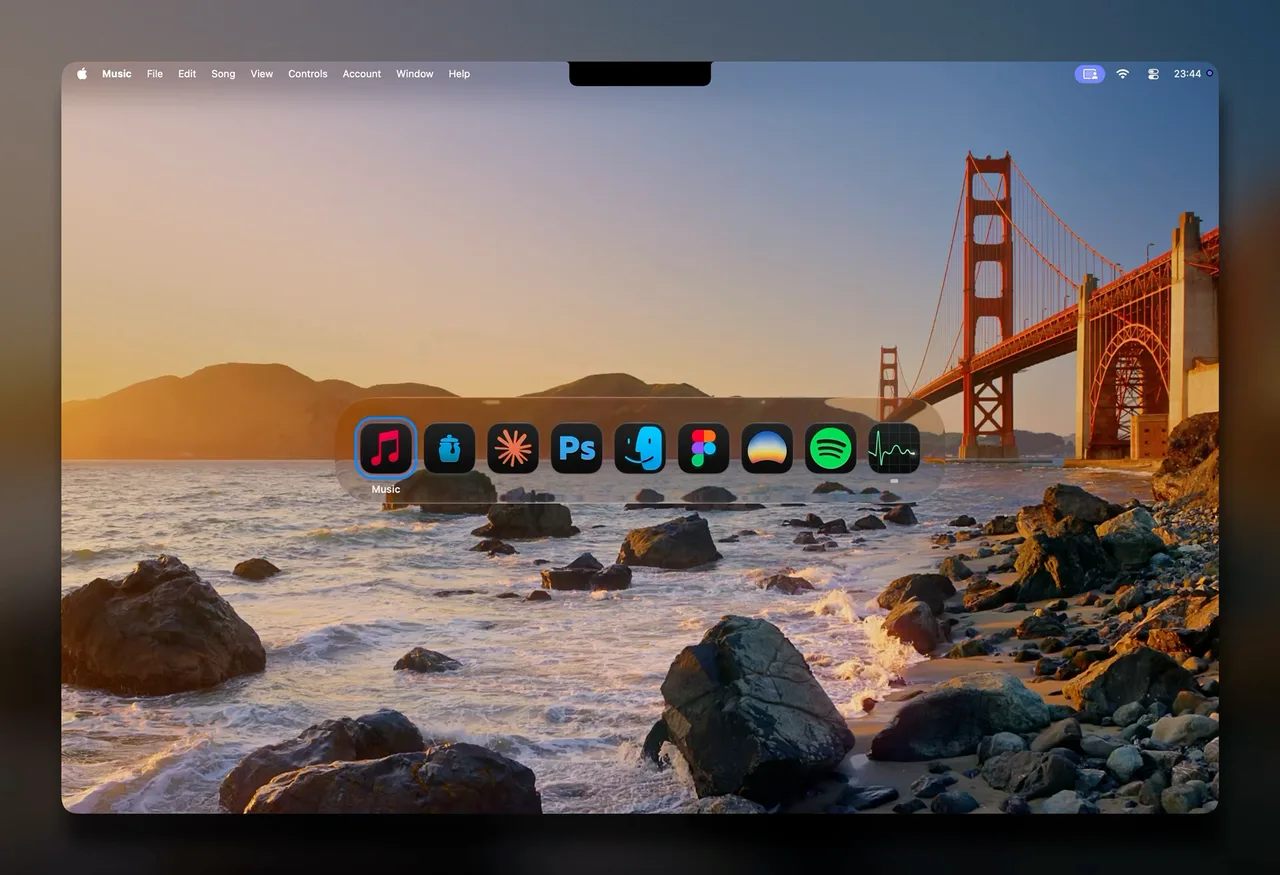
This video walks through Dynamic Menu Bar’s main settings, chapter by chapter. Press play to watch it here, or pick a chapter above to start at that moment; nothing loads from YouTube until you do.
What it covers
Several chapters are about how the bar looks: the Live style and its sampling rate, a chapter that moves through the Solid style, Multicolor, Hue Drift, Background Blur and Overlay Corners, and the Fade style. The Appearance settings list them.
The music chapters show the visualizer as waves and as bars, its color modes, trail and glow, and the Artwork color mode with Spotify. The progress bar chapter covers its color, hue drift, keyboard control and auto-hide; Control music from the Mac menu bar explains the keyboard control and auto-hide in text.
The rest covers where the bar sits relative to windows and when it stays on (Behavior), the menu bar icon and its quick settings, per-app profiles (Profiles & shortcuts), Light Reflections, and the Pill shape for the menu bar.
Music
“Where We Started” by Lost Sky & Jex, released by NoCopyrightSounds. “Virtutes Instrumenti” by Kevin MacLeod (incompetech.com), licensed under Creative Commons: By Attribution 4.0.
FAQ
Does playing the video load anything from Google?
Yes, once you play it. Until then the page shows a still picture from this site and loads nothing from YouTube; pressing play or a chapter loads the video from YouTube's privacy-enhanced mode (youtube-nocookie.com); with JavaScript off, the video opens on youtube.com instead. Details in the Privacy Policy.
Why does the video stop before the end?
The last chapter on YouTube shows launch prices and an offer that ended on September 30. The player here is set to stop at 6:56, just before it; current prices are in the pricing section.
Is there a shorter introduction?
The welcome tour the app opens on first launch covers the six main choices; this guide goes through it page by page.